Shopify
Shopify Speed Optimization: How to Make Your Store Faster in 2026
Key takeaways
- Core Web Vitals are LCP, INP and CLS. INP replaced FID on March 12, 2024.
- Shopify's Web Performance dashboard uses real visitor data at the 75th percentile, not lab scores.
- Apps and third-party scripts are the most common cause of slow Shopify stores.
- Never lazy-load the main (LCP) image, and use image_url and image_tag for responsive images.
- A Lighthouse score is a diagnostic tool, not the goal. Real user metrics are what count.
What are Core Web Vitals and why do they matter on Shopify?
Core Web Vitals are Google's three metrics for real-world page experience: loading (LCP), responsiveness (INP) and visual stability (CLS). They're measured on real visitors' devices and reported at the 75th percentile, so most of your shoppers, including those on slower phones, need a good experience.
| Metric | Measures | Good | Needs work | Poor |
|---|---|---|---|---|
| LCP (Largest Contentful Paint) | When the main content, often the hero or product image, appears | ≤ 2.5 s | ≤ 4.0 s | > 4.0 s |
| INP (Interaction to Next Paint) | How fast the page responds to taps, clicks and typing | ≤ 200 ms | ≤ 500 ms | > 500 ms |
| CLS (Cumulative Layout Shift) | How much the layout jumps while loading | ≤ 0.1 | ≤ 0.25 | > 0.25 |
INP replaced First Input Delay (FID) as a Core Web Vital on March 12, 2024. If an older guide still tells you to optimize FID, it's out of date. INP is stricter because it looks at all interactions during a visit, such as opening a variant picker or adding to cart, not just the first one.
Why it matters: faster stores are easier to use, especially on mobile, and Core Web Vitals are part of how Google evaluates page experience. Speed won't save a weak product page, but a slow one leaks shoppers before they see it.
How do you check your Shopify store's speed?
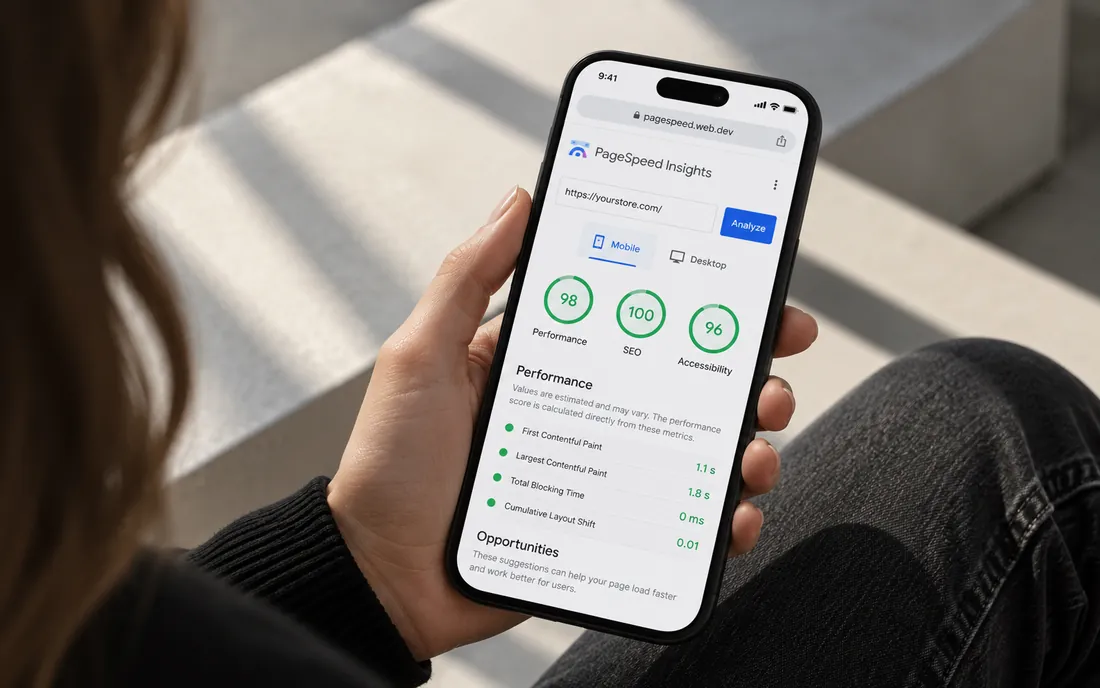
Start with Shopify's Web Performance dashboard, then use PageSpeed Insights or Lighthouse to diagnose specific pages. The dashboard tells you what real shoppers experience; lab tools help you find the cause.
- Where to find it: a summary appears on Online Store > Themes. Full reports are under Analytics > Reports (search for LCP, INP or CLS reports).
- Data: real user metrics from the past 30 days, ranked Good, Moderate or Poor at the 75th percentile, with breakdowns by page URL and page type.
- Annotations: the over-time charts mark events such as app installs and theme changes, so you can see what made things worse.
- Limits: data can lag up to 36 hours, only 90 days are kept, and stores in private mode or with little traffic may show no data.
Our take: stop obsessing over a single Lighthouse number. Lab scores vary between runs and are tested on a simulated slow device. If your real-user Core Web Vitals are green, you're in good shape even when the lab score looks average.
Why is my Shopify store slow?
Most often, the cause is third-party code: apps, tracking pixels, chat widgets and review or upsell scripts loading on every page. After that come oversized images, too many fonts and heavy theme customizations.
Shopify's own performance guidance for themes lists the same priorities: audit all scripts, including apps, pixels and theme code, and remove anything that isn't earning its performance cost.
How do apps slow down a Shopify store?
Each app that touches the storefront can add JavaScript, CSS, fonts and network requests. A few are fine; ten or fifteen stacked on the product page is where INP and LCP suffer.
- List every app and note which ones load on the storefront.
- Remove what you don't use. Be honest about the "might use later" apps.
- Check for leftover code. Apps built with theme app extensions plug in without editing your theme. Older apps sometimes injected snippets into theme files that stay behind after uninstalling, so search your theme code for the app's name.
- Replace apps with native features or theme code where it makes sense, for example simple badges, size charts or announcement bars.
- Limit scripts by page. A reviews widget doesn't need to load on the contact page.
- Re-check the dashboard after each change. Shopify notes that metrics may take time to reflect changes.
How should you optimize images on Shopify?
Let Shopify's CDN do the work and focus on getting loading priority right. Most image problems come from code, not file size.
- Never lazy-load the LCP image. Shopify calls this a high-impact rule. Your hero or main product image should load eagerly; use loading="lazy" only for images below the fold.
- Use the image_url and image_tag Liquid filters instead of building CDN URLs by hand. They generate responsive srcset sizes and add width and height, which prevents layout shift.
- Upload sensible sources. Shopify resizes and serves modern formats, but a 6,000-pixel image still means extra processing and variable results. Our rule of thumb: around 2,000 to 3,000 pixels on the long edge is plenty for most stores.
- Be careful with sliders and autoplay video in the first screen. They often delay LCP and add layout shift.
Do fonts affect Shopify speed?
Yes. Every font family and weight is another file before text renders correctly. Shopify recommends self-hosting fonts on the Shopify CDN rather than loading them from Google Fonts or other external services, and using fallback font overrides to reduce layout shift when the web font swaps in.
- Limit yourself to two families and a handful of weights.
- Prefer variable fonts if your brand fonts offer them.
- Consider system fonts for body text if the brand allows it.
What theme code changes improve speed?
Clean theme code improves all three metrics, especially INP. These are the fixes we make most often, and they match Shopify's theme performance best practices:
- Defer non-critical JavaScript with the defer or async attributes, and load features on interaction where possible.
- Avoid heavy frameworks when Liquid and CSS can do the job.
- Use preload sparingly, for one or two late-discovered resources at most. Overusing it can make pages slower.
- Reserve space for images, embeds and app widgets to keep CLS low.
- Break up long tasks in custom scripts so taps on variant pickers and add-to-cart respond quickly.
If your theme is years old and heavily patched, it may be faster to move to a current Online Store 2.0 theme than to keep fixing it. Shopify requires themes in its Theme Store to have an average Lighthouse performance score of at least 60 across the home, product and collection pages on its benchmark store, which gives modern themes a reasonable baseline.
Are Shopify speed optimization apps worth it?
Rarely as a first step. Some apps help with specific tasks, but adding another script to fix scripts often just moves the problem. Removing code beats adding code. Start with an app audit, image priorities and font cleanup, then decide whether you need developer help.
How we can help
We audit and fix Shopify performance as part of our Shopify SEO and CRO work: app cleanup, image and font loading, and theme code. If you're also planning a redesign, read theme vs custom design first, because the build approach affects speed for years.
Send us your store URL and we'll email you the fixes that matter most. No call needed.
Frequently asked questions
What is a good speed score for a Shopify store?
Focus on Core Web Vitals rather than a single score: LCP at or under 2.5 seconds, INP at or under 200 milliseconds and CLS at or under 0.1 at the 75th percentile. Shopify's Web Performance dashboard shows these for your real visitors.
Is FID still a Core Web Vital?
No. Interaction to Next Paint (INP) replaced First Input Delay (FID) on March 12, 2024. FID has been deprecated and removed from the Core Web Vitals program.
Does uninstalling an app remove its code?
Apps built with theme app extensions don't edit your theme code, so removing them is cleaner. Older apps may have added snippets to theme files that remain after uninstalling, so check your theme or ask a developer.
Why is my Shopify store slow on mobile but fine on desktop?
Mobile devices have slower processors and networks, so heavy JavaScript and large images hurt more. Lab tools also simulate a slow mobile device, which makes mobile scores look lower.
Why doesn't my Web Performance dashboard show data?
The dashboard needs real visitor data, so new stores, stores in private mode or low-traffic stores may show no metrics. Data can also lag by up to 36 hours.