B2B & Plus
Shopify Plus vs Advanced: Side-by-Side Comparison (2026)
Key takeaways
- Plus costs about $24,000 a year more than Advanced billed yearly, before any variable fee.
- Full checkout customization and custom Function apps are the clearest Plus-only advantages.
- Advanced now includes native B2B with up to 3 catalogs and B2B-specific storefront content.
- Plus includes 9 expansion stores, unlimited staff and 200 locations.
- Choose Plus when a specific feature is holding you back, not at an arbitrary revenue number.
What is the difference between Shopify Plus and Advanced?
Advanced is Shopify's top self-serve plan, at $299 a month billed yearly or $399 monthly. Plus is the enterprise plan, from $2,300 a month on a 3-year term. Plus adds full checkout customization, unlimited B2B catalogs, deposits, 9 expansion stores, unlimited staff, 200 locations and lower fees.
Both run on the same platform, so your theme, apps and data carry over when you upgrade. The difference is what you can customize and how far you can scale.
Shopify Plus vs Advanced: side-by-side comparison
The table below uses Shopify's published US figures as of October 2026.
| Feature | Shopify Advanced | Shopify Plus |
|---|---|---|
| Price | $299/mo billed yearly, $399/mo billed monthly | $2,300/mo (3-year term) or $2,500/mo (1-year term); variable fee for complex businesses |
| Contract | Monthly or yearly | 1- or 3-year term |
| Online card rate (Shopify Payments, US) | 2.5% + 30¢ | 2.25% + 30¢ |
| In-person card rate | 2.4% + 10¢ | 2.3% + 10¢ |
| Third-party gateway fee | 0.6% | 0.2% |
| Staff accounts | 15 | Unlimited, plus custom user groups |
| Inventory locations | 10 | 200 |
| Stores | 1 per plan | Main store + 9 expansion stores included |
| Checkout customization | Limited (branding settings, Thank you and Order status blocks) | Full (UI extensions on all steps, Branding API, custom Functions) |
| Custom apps with Shopify Functions | No | Yes |
| B2B catalogs | Up to 3, via Markets | Unlimited, assignable to companies |
| B2B deposits and partial payments | No | Yes |
| B2B-specific storefront and checkout | Yes (via Markets) | Yes |
| API rate limits | Up to 2x on select APIs | Up to 10x on select APIs |
| Headless storefronts | 1 | 25 |
| Launchpad (scheduled sales and launches) | No | Yes |
| Shopify Flow | Yes | Yes |
| Custom reports | Yes | Yes |
| Third-party calculated shipping | Yes | Yes |
| Support | Enhanced 24/7 chat | Priority 24/7 phone and chat |
Sources: Shopify pricing, Shopify Plus pricing and the Help Center pages for the Advanced and Plus plans. Card rates and fees vary by country.
How much more does Plus cost than Advanced?
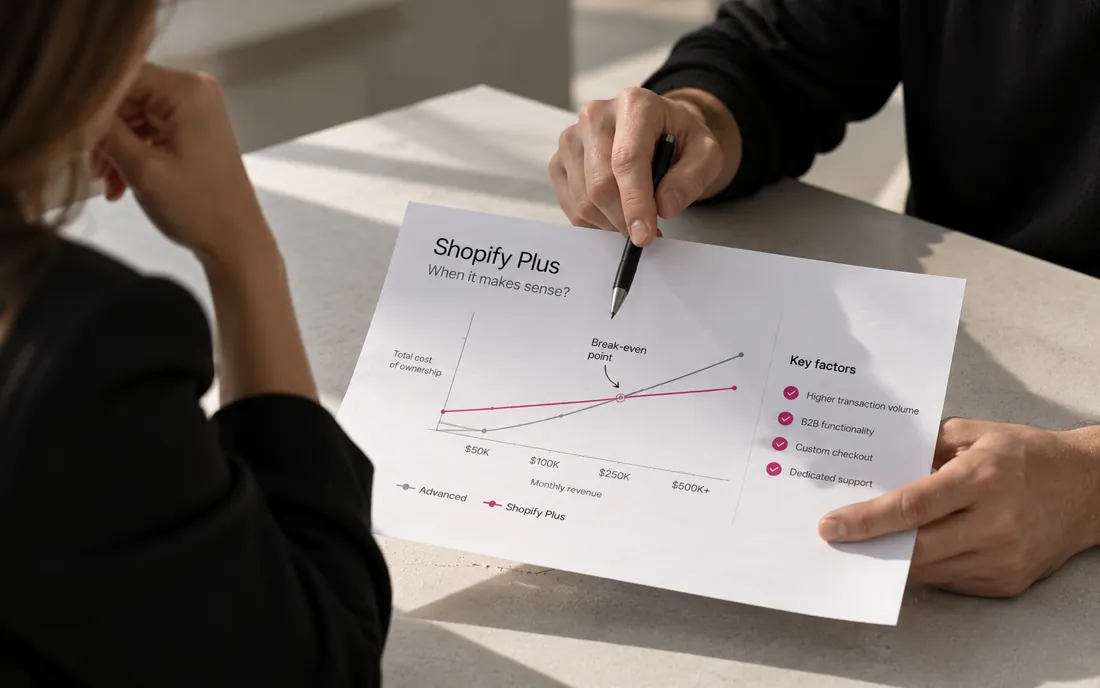
On list prices, Plus costs about $24,000 a year more than Advanced billed yearly ($27,600 compared with $3,588). That's before any variable platform fee.
The lower fees on Plus offset part of that. The online card rate drops by 0.25 percentage points, so you'd need to process about $9.6M a year through Shopify Payments for the savings to cover the gap alone. If you use a third-party gateway, the fee drops from 0.6% to 0.2%, which breaks even at about $6M a year. For most brands, the case for Plus rests on the features, not the fees. We cover the full math in Is Shopify Plus worth it?
Can you customize checkout on Shopify Advanced?
Only partly. On Advanced you can apply logo, colors and fonts in the checkout editor, add app blocks to the Thank you and Order status pages, and use public apps that include Shopify Functions. Custom UI on the information, shipping and payment steps, the Checkout Branding API and custom Function apps are Plus-only.
If your roadmap includes checkout upsells, custom fields, delivery date pickers or B2B validation rules on checkout itself, that's the clearest reason to choose Plus. Details are in our checkout extensibility guide.
Is Advanced enough for B2B?
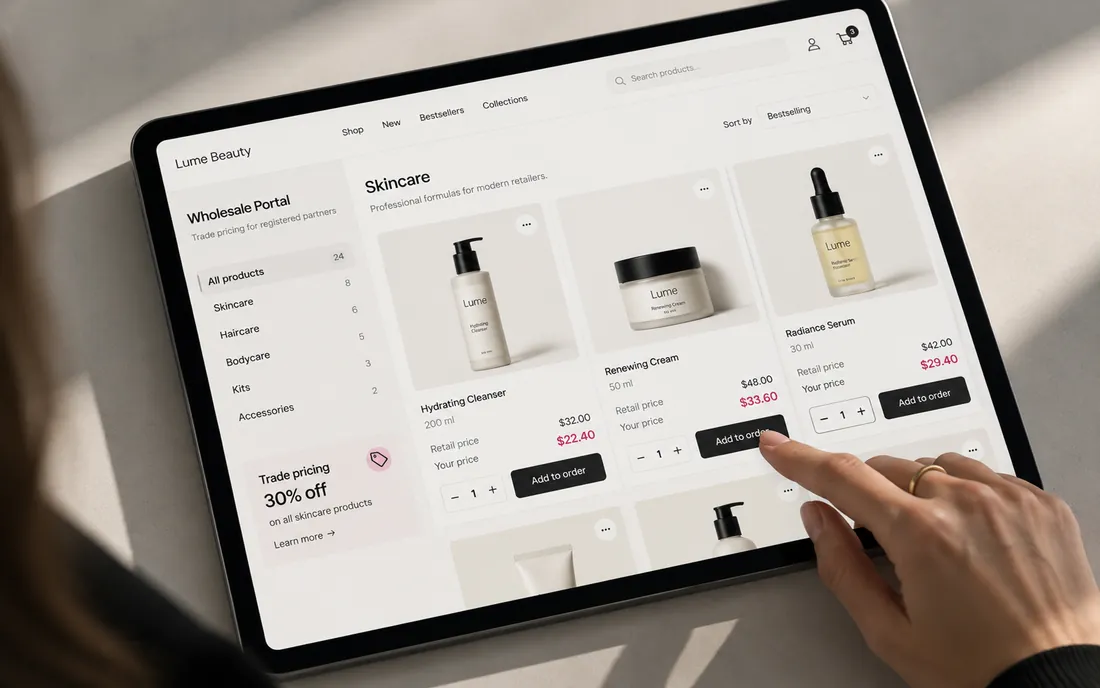
For many wholesalers, yes. Since April 2, 2026, Advanced includes native B2B with companies, up to 3 catalogs, quantity rules, volume pricing, net terms and vaulted cards. It also lets you show B2B buyers different storefront and checkout content through Markets, which Basic and Grow can't do.
You need Plus if you have customer-specific price lists, need more than 3 catalogs, or take deposits or partial payments. See Shopify B2B without Plus for the limits in detail.
When should you choose Advanced?
Choose Advanced if you run one brand in one or a few markets, your checkout works with standard settings and apps, and your team fits in 15 staff accounts.
- Revenue under roughly $1–2M a year with steady growth.
- Tiered wholesale that fits within 3 catalogs.
- You want month-to-month or yearly billing without a multi-year term.
- You'd rather spend the difference on design, CRO or marketing.
When should you choose Plus?
Choose Plus when you need something on Plus's side of the table above, and that need is worth more than about $24,000 a year to you.
- Checkout customization is a priority for conversion or operations.
- Your B2B model needs unlimited or account-level catalogs, deposits or partial payments.
- You run, or plan to run, several stores for regions, brands or wholesale. Nine expansion stores are included.
- You need more than 15 staff, more than 10 locations, or higher API limits for heavy integrations.
- You run frequent large launches or flash sales that Launchpad can automate.
What do Plus and Advanced have in common?
More than most comparisons suggest. Both plans run on the same Shopify infrastructure, with the same themes, the same App Store and the same core admin. Both include Shopify Flow, custom reports, third-party calculated shipping, Shopify Markets for international selling, and native B2B.
That matters for two reasons. First, you don't lose anything by starting on Advanced, because there's no replatforming when you upgrade. Second, a lot of what agencies describe as "Plus features" (automation, wholesale pricing, international storefronts) is now available on Advanced. Check the current plan pages instead of relying on comparison posts from a few years ago.
How do you upgrade from Advanced to Plus?
- List the Plus features you'll use in the first 90 days, and estimate what each one is worth.
- Contact Shopify sales and get the subscription, any variable fee and the term in writing.
- Upgrade the existing store. Products, orders, customers, theme and apps stay as they are.
- Build the Plus-only pieces you planned for, such as checkout extensions, B2B catalogs or expansion stores.
- Review usage after six months to make sure you're using what you're paying for.
Our take
Advanced is the right plan for most growing brands, and recent updates have made it stronger, especially for B2B. Move to Plus when a specific feature is holding you back, not when revenue hits an arbitrary number.
How we can help
We build on both plans and can help you decide whether your roadmap needs Plus. If you're upgrading, see our Shopify Plus services for checkout, B2B and multi-store work.
Send us your store URL and we'll email you the fixes that matter most. No call needed.
Frequently asked questions
Can I switch from Advanced to Plus without rebuilding my store?
Yes. Plus is an upgrade on the same platform, so your products, customers, orders, theme and apps carry over. You then build the Plus-only features you need, such as checkout extensions.
Can I downgrade from Plus to Advanced?
Plus is sold on a 1- or 3-year term, and you can cancel when the term ends. Before you downgrade, check which Plus-only features you use, such as checkout extensions, expansion stores and extra B2B catalogs, because they'll stop working or need replacing.
Does Shopify Advanced have lower fees than Grow?
Yes. Advanced's US online card rate is 2.5% + 30¢, compared with 2.7% + 30¢ on Grow, and its third-party gateway fee is 0.6% instead of 1%. Plus lowers them further to 2.25% + 30¢ and 0.2%.
Is Shopify Flow available on Advanced?
Yes. Flow is a free app on every plan from Basic to Plus, so it's no longer a reason to upgrade. Only tasks from custom partner apps are Plus-only.
How many stores can I run on Shopify Plus?
Plus includes your main store and 9 expansion stores for one brand. Additional stores cost $300 a month each or a revenue share, and a separate brand needs its own contract.
Sources
- Shopify Pricing (plan comparison and rates)
- Shopify Plus Pricing
- Shopify Help Center: Shopify Plus plan
- Shopify Help Center: Shopify Advanced plan
- Shopify Help Center: Shopify B2B features by plan
- Shopify.dev: Checkout UI extensions
- Shopify.dev: Shopify Function APIs (availability)
- Shopify Help Center: Shopify Flow