WordPress
Is WordPress Good for Ecommerce? The WooCommerce Reality in 2026
Key takeaways
- WooCommerce is free and capable, but hosting, plugins and upkeep are on you.
- WordPress.org recommends PHP 8.3+; WooCommerce 11.6 (planned February 2027) will require PHP 8.1+.
- Patchstack counted 11,334 new WordPress ecosystem vulnerabilities in 2025, about 91% in plugins.
- Premium WooCommerce extensions are usually annual subscriptions, so budget for renewals.
- WooCommerce fits content-led brands with a developer; Shopify fits brands where selling is the core.
Can WordPress actually run a good online store?
Yes. WordPress becomes an ecommerce platform through WooCommerce, a free, open-source plugin maintained by Automattic. It handles products, variations, cart, checkout, orders, coupons, and taxes, and thousands of extensions cover almost anything else.
The catch is not capability. It is responsibility. WooCommerce runs on hosting you choose, alongside plugins you choose, and keeping that stack fast, secure, and compatible is your job. This article walks through the four areas where that matters most: hosting, plugins, security, and maintenance.
What kind of hosting does WooCommerce need?
A store needs better hosting than a brochure site, because carts, checkout, and logged-in customers cannot be fully cached. Plan for managed WordPress hosting or a well-configured VPS once you have real traffic.
WordPress.org recommends PHP 8.3 or newer and MySQL 8.0+ or MariaDB 10.11+, plus HTTPS. WooCommerce is also raising its own floor: the WooCommerce developer blog announced in September 2026 that WooCommerce 11.6 (planned for February 2027) will require PHP 8.1 or newer, because PHP 7.4 and 8.0 no longer get security support. If your host still runs older PHP, that is a signal to move.
Typical hosting tiers:
| Hosting type | Example starting price | Good for | Watch out for |
|---|---|---|---|
| Shared hosting | Hostinger: $2.49/mo on a 48-month term, renews at $10.99/mo | Testing, very small catalogs | Shared resources, slow checkout under load |
| Managed WordPress | Kinsta: from $30/mo billed annually; WP Engine Essential from about €25.60/mo billed annually | Most small to mid stores | Visit or bandwidth limits, add-on costs |
| Hosted WordPress.com | Commerce plan: $45/mo billed yearly ($70 monthly) | Content-led brands wanting less server work | You still manage extensions |
| VPS / cloud | Varies widely | Larger stores with a developer | You (or your developer) run the server |
Our take: cheap promotional hosting is fine for a test store, but budget for managed hosting before launch. Checkout speed is revenue.
How many plugins does a WooCommerce store need?
Most real stores end up with somewhere between a handful and a few dozen plugins. Every one adds features, and every one adds something to update, test, and secure.
A common WooCommerce stack looks like this:
- Payments: WooPayments (no setup or monthly fee, pay per transaction), Stripe, or PayPal.
- Shipping: rates, labels, and carrier integrations.
- Subscriptions or memberships: for example, the official WooCommerce Subscriptions extension costs $279 per year.
- SEO: titles, schema, sitemaps.
- Caching and performance: page caching, image optimization, a CDN.
- Security and backups: firewall, malware scanning, automated off-site backups.
- Email and marketing: newsletter sync, abandoned cart.
On Reddit's r/Wordpress, a recurring question is "how many plugins is too many?" The useful answer is not a number. It is quality: one well-maintained plugin from an active developer is safer than three abandoned ones. Check last-updated dates, active installs, and changelogs before installing anything.
Premium extensions are usually annual subscriptions, not one-time purchases. If you stop paying, you typically lose updates and support. Add these renewals to your yearly budget.
Is WooCommerce secure?
WooCommerce and WordPress core are actively maintained and patched quickly. Most risk comes from third-party plugins and themes, and from sites that do not apply updates.
The numbers make the point. Patchstack's State of WordPress Security in 2026 report counted 11,334 new vulnerabilities in the WordPress ecosystem in 2025, a 42% increase over 2024. About 91% were in plugins and 9% in themes; only six were in WordPress core. Patchstack also found that 46% had no fix available at the time of public disclosure, and roughly half of high-impact vulnerabilities were exploited within 24 hours.
For a store that handles customer data and payments, that means:
- Use a reputable payment gateway so card data is handled off your server.
- Keep plugins to the ones you really need, and remove inactive ones.
- Apply security updates within days, not months.
- Run a web application firewall and malware scanning.
- Keep automated, off-site backups and test a restore at least once.
- Use strong passwords and two-factor authentication for every admin.
By comparison, Shopify hosts the platform and checkout and states it is certified Level 1 PCI DSS compliant, so this part of the workload largely disappears. That is one of the main reasons store owners switch.
How much maintenance does a WooCommerce store take?
Expect ongoing, regular work: weekly updates and checks, plus occasional troubleshooting when an update conflicts with another plugin or your theme.
WordPress applies minor and security core releases automatically on most sites, but major WordPress releases, plugin updates, and theme updates still need attention. WordPress.org itself recommends backing up before you update.
A sensible routine for a live store:
- Weekly: review and apply plugin updates (ideally on a staging copy first), check backups ran, place a test order.
- Monthly: review site speed, error logs, and unused plugins; check renewal dates for premium extensions.
- Before peak season: load-test checkout, confirm hosting capacity, freeze non-essential updates.
If you do not want to do this yourself, budget for a maintenance plan from a WordPress developer. It is a real, recurring cost that comparisons often leave out.
When is WooCommerce a good fit?
WooCommerce is a good fit when content is central to the business, the catalog is modest, or you need custom functionality that hosted platforms do not allow.
- You run a content-heavy site (blog, magazine, courses) and sell a small range of products alongside it.
- You need deep customization of data, checkout logic, or integrations, and have a developer.
- You want full ownership of code and hosting.
It is a weaker fit when:
- Selling is the core of the business and nobody on the team maintains servers or plugins.
- You expect traffic spikes from launches or ads and cannot afford a slow checkout.
- You want predictable monthly costs.
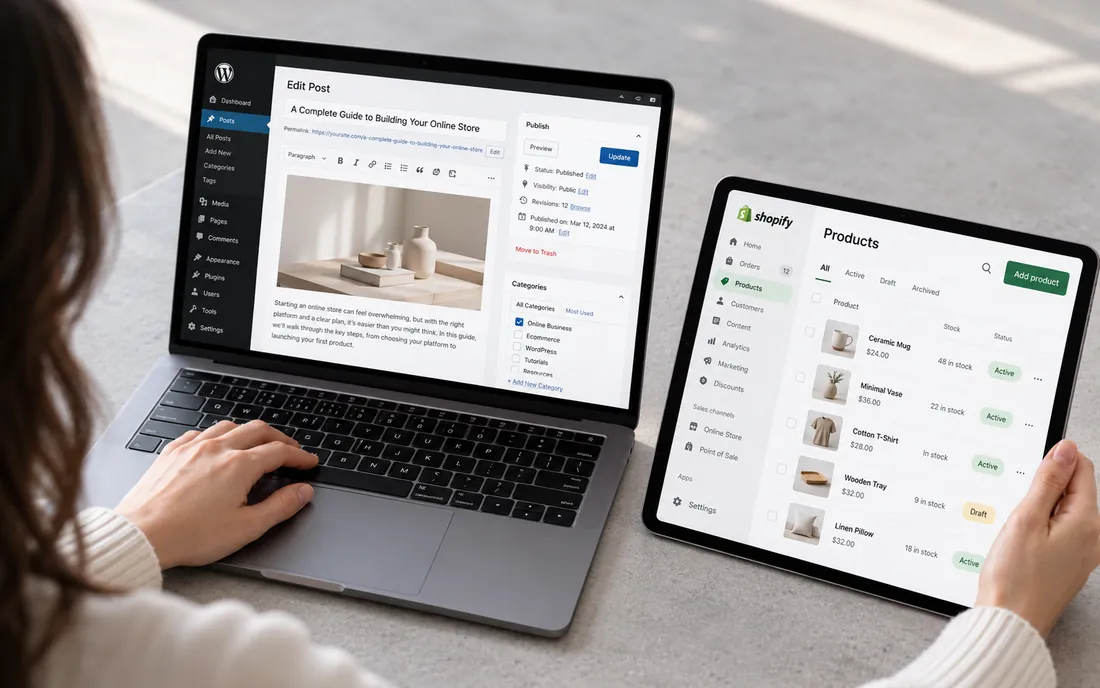
WooCommerce vs Shopify: the short version
Both can run a profitable store. The difference is who carries the technical burden.
| Area | WooCommerce | Shopify |
|---|---|---|
| Hosting | You choose and pay separately | Included in the plan |
| Security patches | You apply core, theme, and plugin updates | Platform patched by Shopify |
| Extensions | Plugins, often annual licenses | Apps, usually monthly subscriptions |
| Flexibility | Very high, including code and database | High on the storefront; checkout customization deepest on Plus |
| Pricing | Free core plus hosting, plugins, upkeep | From $29/mo billed yearly (Basic) |
For the full comparison, read Shopify vs WooCommerce and WordPress vs Shopify.
How we can help
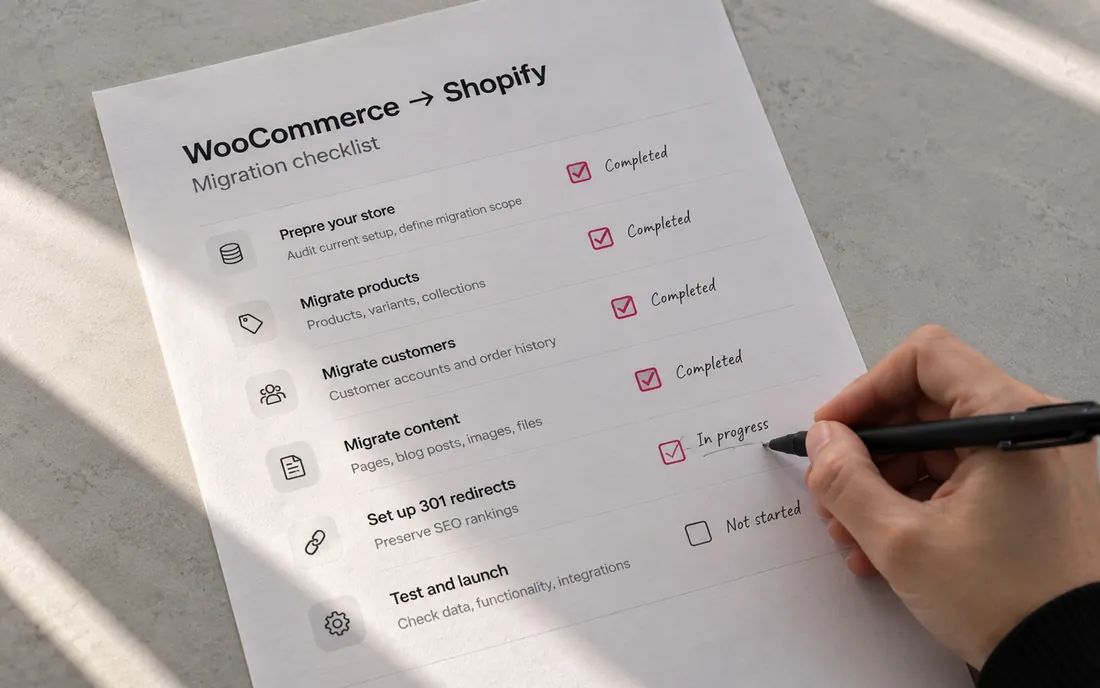
We do not build or maintain WooCommerce stores; we work on Shopify. If you are tired of plugin updates and want to move your store, our Shopify migration service moves your products, customers, and URLs into a Shopify store set up under your own account.
Send us your store URL and we'll email you the fixes that matter most. No call needed.
Frequently asked questions
Is WooCommerce really free?
The WooCommerce plugin is free to download and use. You still pay for hosting, a domain, payment processing, and often premium themes and extensions, many of which are billed annually.
Is WooCommerce good for beginners?
It is approachable if you already know WordPress, but beginners often underestimate hosting setup, plugin conflicts, and security updates. If you have no technical help, a hosted platform is usually easier to run day to day.
How many products can WooCommerce handle?
WooCommerce has no hard product limit; practical limits come from your hosting, database performance, and plugins. Large catalogs need stronger hosting, good caching, and careful optimization.
What payment gateways work with WooCommerce?
Common options are WooPayments, Stripe, and PayPal, plus many regional gateways through extensions. WooPayments has no setup or monthly fee and charges per transaction.
Should I move from WooCommerce to Shopify?
Consider it if maintenance, plugin conflicts, or checkout speed are costing you time or sales, and selling is your core business. Plan the move carefully, including 301 redirects, so you keep your search rankings.
Sources
- WordPress.org: Hosting requirements
- WooCommerce Developer Blog: New Requirement for WooCommerce 11.6: PHP 8.1+
- Patchstack: State of WordPress Security in 2026
- WordPress.org: Updating WordPress
- WooPayments plugin on WordPress.org
- WooCommerce Subscriptions extension
- Hostinger WordPress hosting
- Kinsta pricing
- WP Engine plans
- WordPress.com pricing
- Shopify pricing
- Shopify security and PCI compliance