Shopify
How to Hire a Shopify Developer (Without Regretting It)
Key takeaways
- Choose the type of partner by project size: freelancer for fixes, studio for design plus build, agency for enterprise programs.
- The Shopify Partner Directory shows tiers, services, price ranges and reviews tied to real store collaborations.
- Give developers access through a collaborator request code and only the permissions they need.
- You should own the store, domain, theme and every app account. Store ownership can't be transferred to a collaborator.
- A written scope with deliverables, revision rounds, timeline and handover beats an hourly promise.
What does a Shopify developer actually do?
A Shopify developer builds and changes the code of your store: the theme (Liquid, HTML, CSS, JavaScript), custom sections, app integrations, checkout extensions and sometimes custom apps. Some also design. Many "Shopify experts" only configure apps and settings, so ask which of these they actually do.
Before you hire, write down what you need in one page:
- Type of work: new store, redesign, migration, custom feature, bug fixes or ongoing support.
- Design: do you have Figma files, or do you need design too?
- Integrations: ERP, 3PL, reviews, subscriptions, B2B pricing, marketplaces.
- Budget range and deadline, plus anything fixed (a product launch, a trade show).
Shopify's own hiring guide gives the same advice: define your budget, timeline and expected outcomes so a partner can quote accurately.
Should you hire a freelancer, a studio or an agency?
Hire a freelancer for small, well-defined tasks, a studio when you need design and development handled together, and an agency when you need a large team, retainers and enterprise processes. The right choice depends on scope, not prestige.
| Option | Best for | Strengths | Watch out for |
|---|---|---|---|
| Freelance developer | Bug fixes, small features, theme tweaks | Flexible, direct contact, usually lowest cost | Single point of failure, holidays and illness, limited design skills |
| Studio (small team) | New stores, redesigns, migrations, B2B builds | Design and code under one roof, senior people do the work | Limited capacity, so you may wait for a start date |
| Agency (large team) | Shopify Plus programs, multi-brand, heavy integrations | Project managers, QA, strategy, retainers | Higher overhead, juniors may do the build, slower changes |
Our take: for most brands doing a new store or redesign, a small specialist team gives you the best balance. You talk to the people building your store, and design decisions don't get lost between departments.
Where can you find a good Shopify developer?
Start with the Shopify Partner Directory, then vetted freelance marketplaces, then referrals from brands whose stores you admire. Avoid hiring from cold DMs or unsolicited emails offering to "fix your store".
- Shopify Partner Directory. You can filter by services, price range (USD), location, industry, languages and partner tier, and sort by rating. Shopify describes the tiers as Select (typically small and medium businesses), Plus (mid-market and larger), Premier (large enterprises) and Platinum (global enterprises). Reviews can only be left after the partner has had collaborator access to the reviewer's store for at least a week, which makes them harder to fake.
- Vetted marketplaces. Fiverr Pro and Upwork show work history, reviews and repeat clients. Look for vetted badges and long review histories in Shopify specifically, not general web work.
- Referrals and footers. Find stores you like and check who built them. Many studios credit themselves in the footer or a case study.
- Shopify Community and Reddit. Useful for advice, but vet anyone who offers help there just as carefully.
What questions should you ask before hiring?
Ask questions that reveal how they work, not just what they've built. Good developers answer these clearly and without jargon.
- Can you show me three live Shopify stores you built, and what exactly you did on each?
- Do you build on an Online Store 2.0 theme with sections the team can edit, or hard-code content?
- How do you handle theme updates? Will my customizations survive a theme version upgrade?
- Which apps would you add, and what will they cost per month? Can any be replaced with native features or theme code?
- How do you test (mobile, browsers, accessibility, speed) before launch?
- Who does the work: you, your team, or subcontractors?
- What happens after launch: a support window, documentation, a handover call?
- How do you communicate, how often, and in which time zone?
What are the red flags when hiring a Shopify developer?
The biggest red flags are asking for your account password, wanting to own the store or domain, and promising results they can't control. Any of these is a reason to walk away.
- Asking for your login. Partners don't need your email and password. Shopify has a collaborator system for exactly this.
- "We'll set it up on our account." The store, domain and apps should be in your name from day one.
- Guaranteed sales or rankings. Nobody can guarantee conversion rates or Google positions.
- No written scope. "We'll figure it out as we go" usually means disputes later.
- Editing the live theme directly. Shopify recommends duplicating a theme before customizing it, so changes can be discarded. A professional works on a copy and publishes when you approve.
- Pushing many paid apps without explaining the monthly cost and speed impact.
- A portfolio of only screenshots, with no live URLs you can check.
How do you give a Shopify developer access safely?
Use a collaborator account. In your admin, go to Settings > Users, open Security (or Users & permissions on single stores), copy your 4-digit collaborator request code and send it to the developer. They request access from their Partner account, and you approve it with the permissions you choose.
A few details worth knowing, from Shopify's help center:
- Only Partners you give the code to can request access. Generating a new code makes old codes stop working.
- You can review and edit the permissions before accepting, and limit access to specific apps and channels. Grant only what the work needs.
- Collaborators don't count toward your plan's staff limit.
- Removing a collaborator is permanent, and their actions stay in your activity logs.
- You can't transfer store ownership to a collaborator.
If a developer builds your store from scratch, they may create a client transfer store in their Partner dashboard and transfer ownership to you before launch. Once transferred, you own it and it leaves their organization.
Who should own the store, domain and accounts?
You should. The Shopify store, the domain registrar account, the theme files, Google and Meta accounts, email marketing and every app subscription should be registered to your business and paid with your card. Your developer gets access, not ownership.
This matters when you switch partners, sell the business or hit a payment dispute. Getting a domain or store back from a former contractor can take weeks. We set everything up in the client's own accounts for this reason and never host client stores ourselves.
What should a Shopify development contract include?
A good contract or proposal lists exactly what you'll get, when, and what happens if plans change. At minimum, check for:
- Deliverables: which pages and templates are designed and built, which features and integrations are included.
- Revision rounds: how many, and at which stage (design vs development).
- Timeline: milestones and what you need to provide (content, product data, approvals).
- Payment schedule: deposit and milestones tied to deliverables. Shopify Partners bill you directly, not through your Shopify invoice.
- Change requests: how extra work is quoted.
- Ownership and IP: you own the custom code and design files after final payment.
- Launch and support: QA, go-live steps, a post-launch fix window and training.
Our take: a fixed-scope proposal is easier to manage than hourly billing for a build. Hourly works well for ongoing support once the store is live.
How we can help
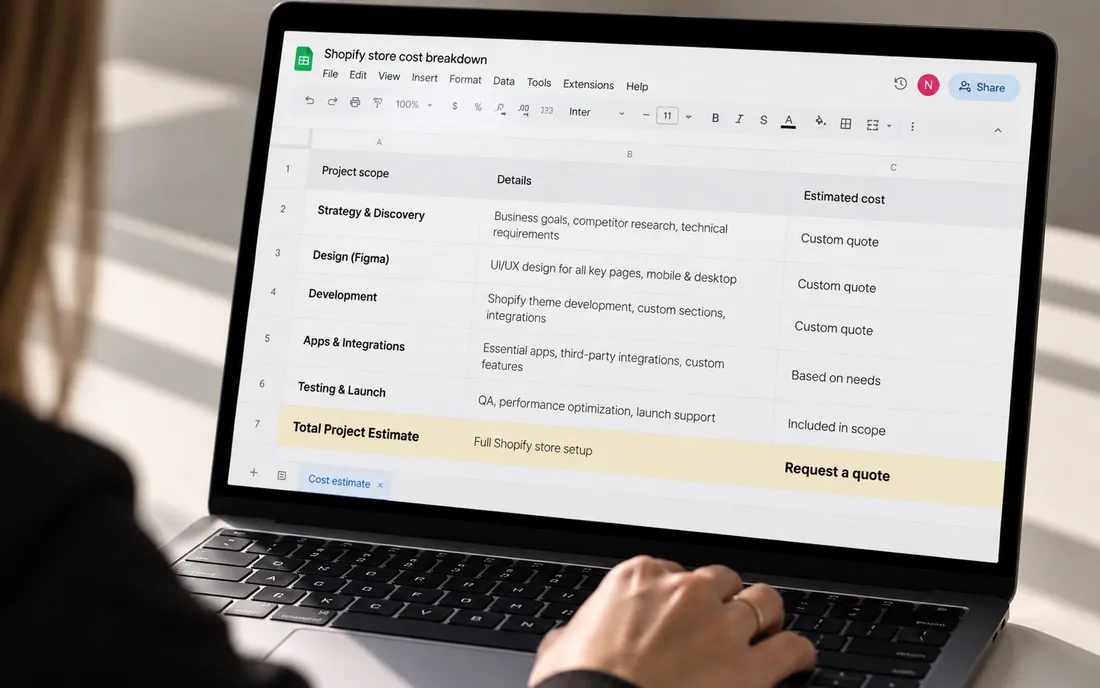
We're a remote-first Shopify Partner (Select tier) studio that works with brands worldwide, designs in Figma and develops in-house, with everything set up in your own accounts. If you're comparing partners, see how we approach Shopify development or check what a build typically involves in our guide to Shopify store costs.
Send us your store URL and we'll email you the fixes that matter most. No call needed.
Frequently asked questions
How much does it cost to hire a Shopify developer?
It depends on scope, experience and location. Small fixes are often billed hourly, while full store builds are usually quoted as a fixed project. Compare written proposals with the same scope rather than hourly rates alone.
Is a Shopify Partner better than a regular freelancer?
Not automatically, but Partner Directory listings show tiers, services and reviews that can only be left after real collaborator access. That makes it easier to verify experience. Always check live stores either way.
Should I give my developer my Shopify password?
No. Send them your 4-digit collaborator request code from Settings > Users > Security, then approve their request with only the permissions they need. You can remove their access at any time.
Can a developer take over my store after building it?
Not if it's set up correctly. Store ownership can't be transferred to a collaborator, so keep the store, domain and app accounts in your own name and remove collaborator access when the work ends.
Do I need a developer or can I use a theme myself?
Many small stores launch on a theme without a developer. Hire one when you need custom design, features the theme doesn't support, integrations, a migration or B2B setup.